Horizons Consulting

Azure Landing Zone Design & Implementation

Build a secure, governed, and scalable Azure foundation for enterprise applications, cloud workloads, and production AI. 

Build for growth before complexity builds around you.

Azure environments often grow one workload, subscription, or project at a time. As that happens, teams can end up with different approaches to access, networking, security, policy, and resource organization. 

An Azure landing zone gives your teams a consistent set of guardrails for how workloads are organized, connected, secured, monitored, and operated without forcing every new project to solve the same platform decisions again. 

What Our Azure Landing Zone Design &
Implementation Covers

Horizons works with internal IT, cloud, and security teams to design the landing zone around your existing standards, workload requirements, security needs, and future plans. 

Azure Architecture

Azure Architecture

Create a clear structure for resources, subscriptions, and workload boundaries.

  • Management groups
  • Subscription strategy
  • Workload separation
  • Naming and tagging standards

Identity & Access

Identity & Access

Define how administrators, users, applications, and workloads access Azure.

  • Microsoft Entra ID
  • Azure RBAC
  • Managed identities
  • Azure workload identity

Network Foundation

Network Foundation

Establish secure connectivity across workloads and existing infrastructure.

  • Virtual networks
  • Segmentation
  • Private connectivity
  • DNS, firewall, and hybrid connectivity
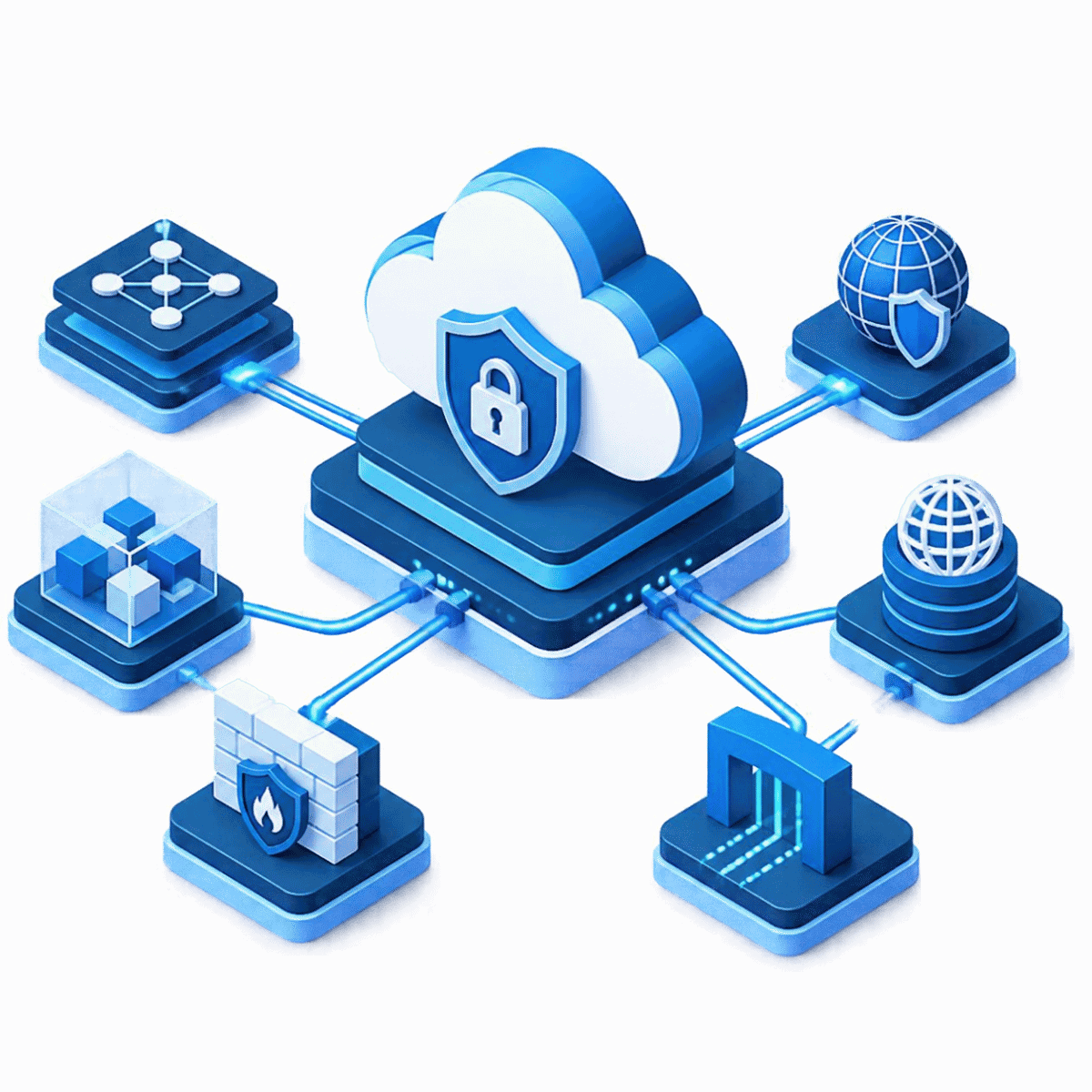
Security & Governance

Security & Governance

Apply common controls across subscriptions and workloads.

  • Azure Policy
  • Microsoft Defender for Cloud
  • Security baselines
  • Governance boundaries

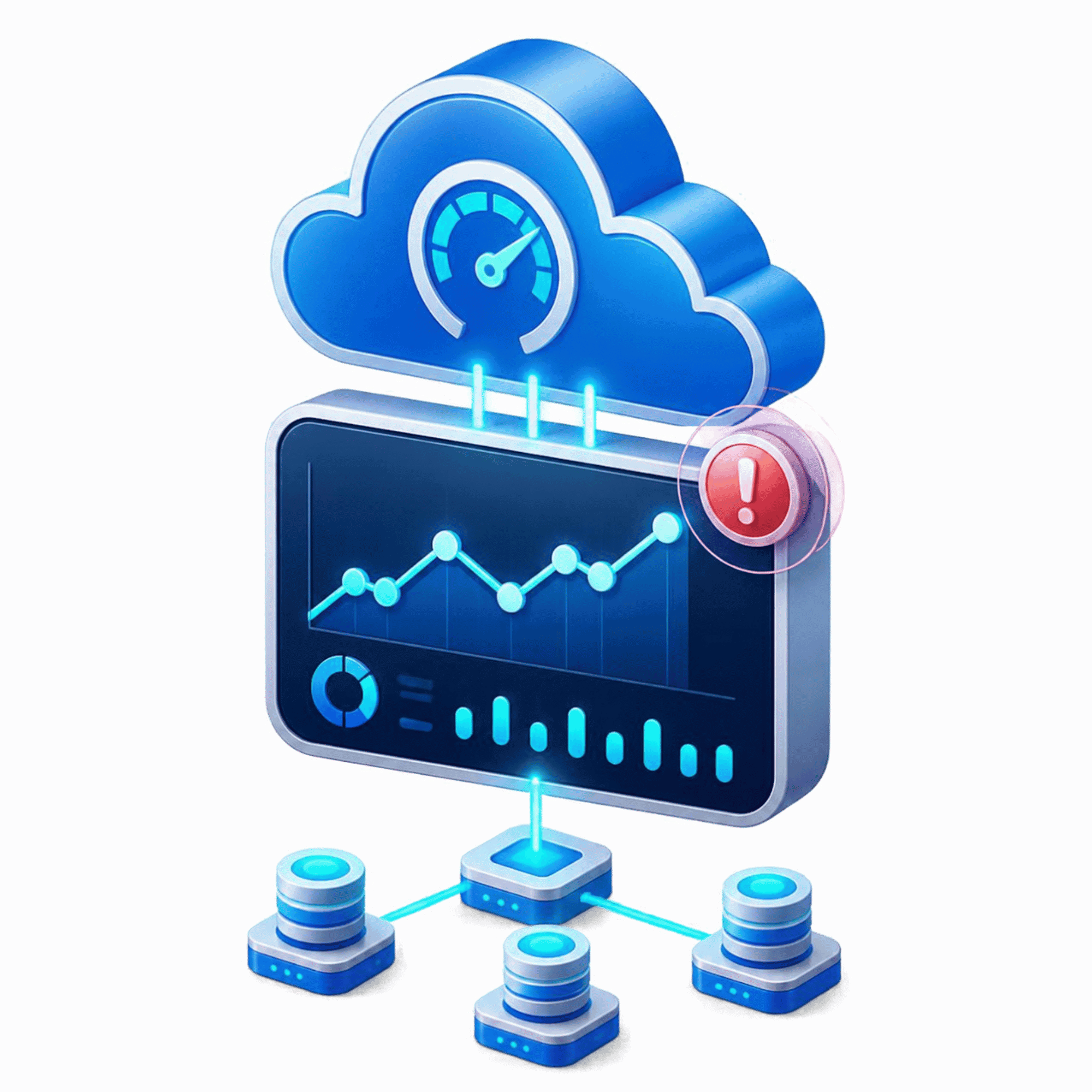
Monitoring & Operations

Monitoring & Operations

Give internal teams consistent visibility across the Azure environment.

  • Azure Monitor
  • Centralized logging
  • Resource health
  • Operational alerting

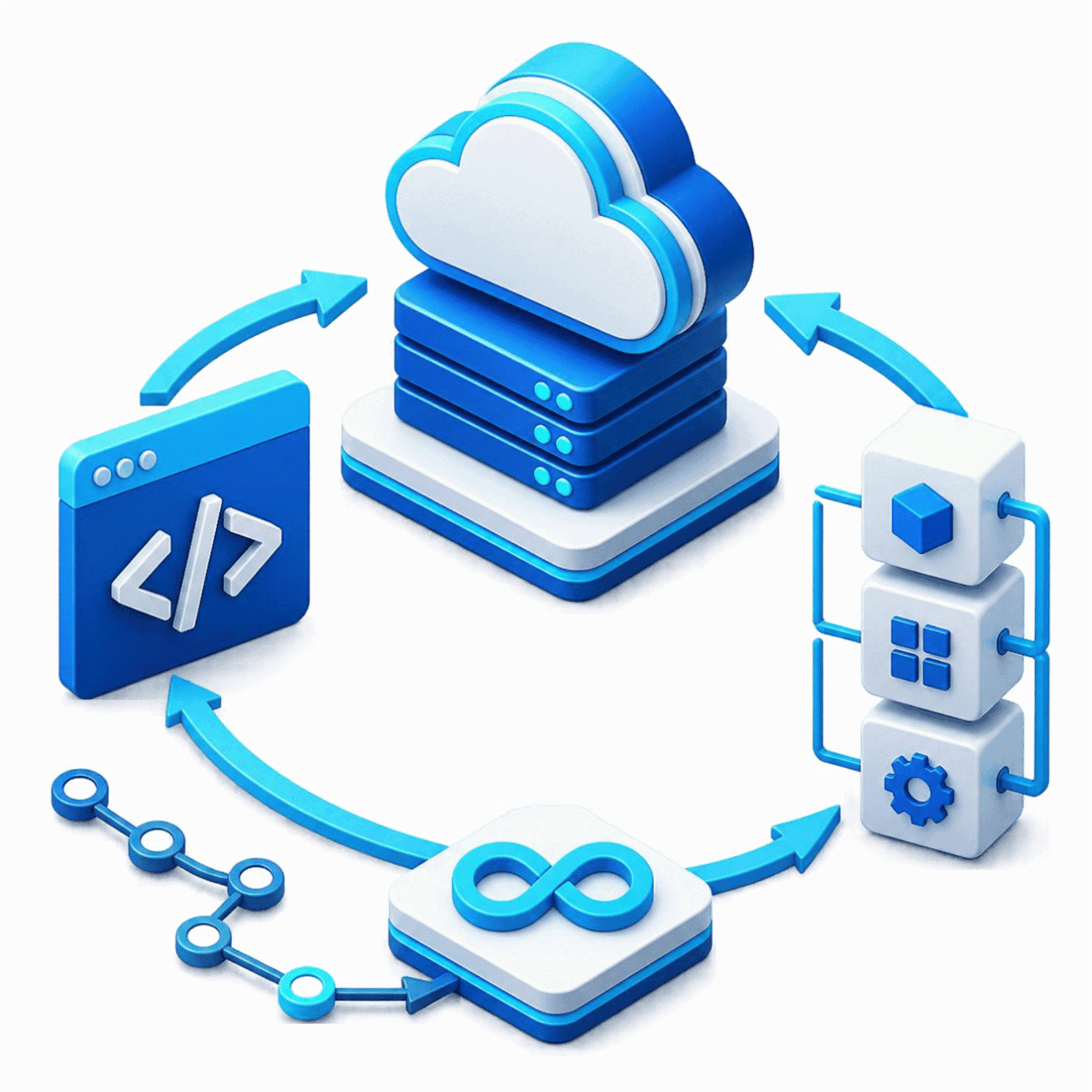
Infrastructure as Code

Infrastructure as Code

Make deployments easier to reproduce, review, and maintain.

  • Bicep or Terraform where appropriate
  • Version-controlled changes
  • Repeatable deployment patterns
  • Internal-team handoff

Shared Guardrails. Workload-Specific Environments.

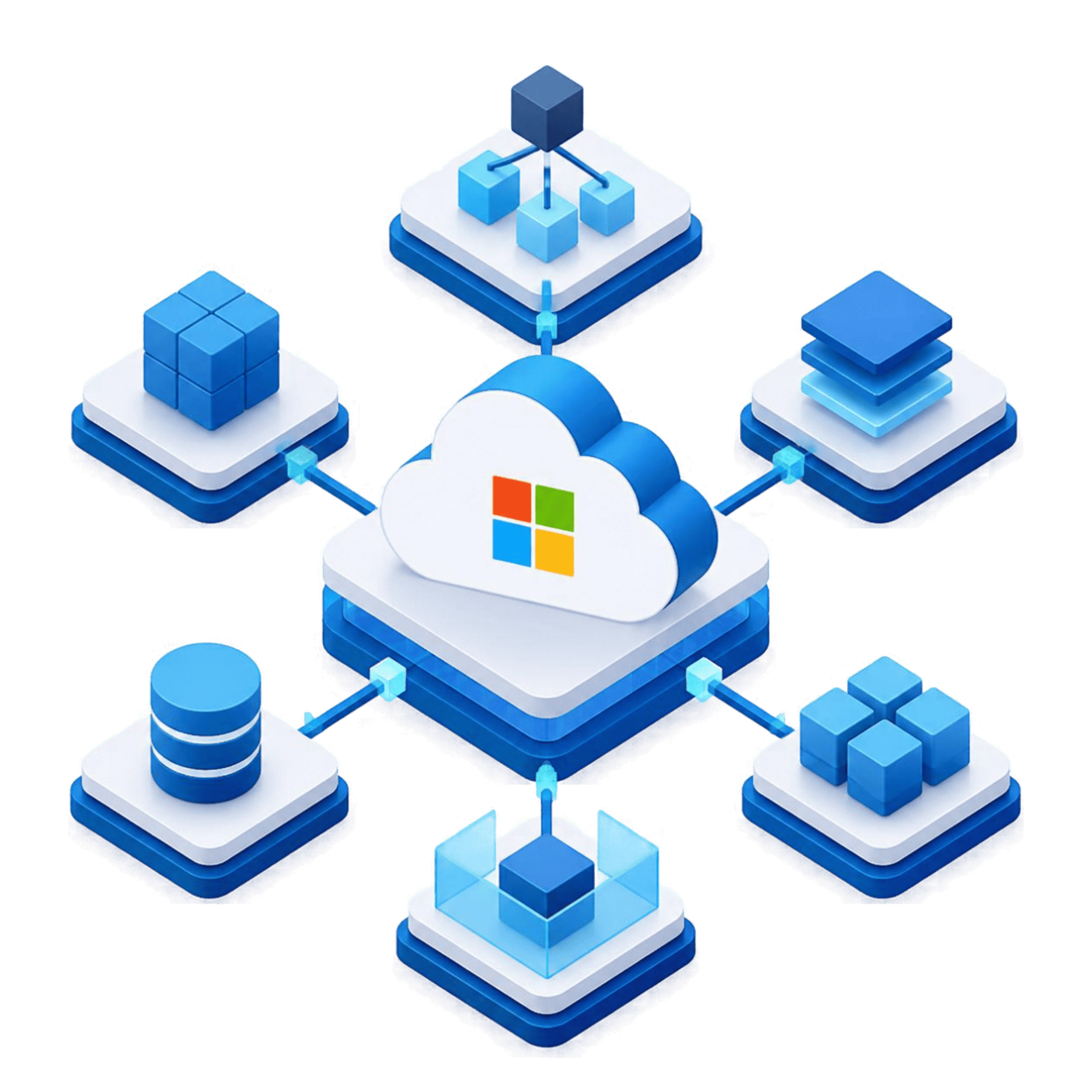
A strong Azure architecture connects centralized platform controls with environments where individual applications and services can operate safely. 

Platform Landing Zone

Shared identity, connectivity, management groups, policy, centralized security, and monitoring.

Application / Workload Landing Zones

Dedicated environments for enterprise applications, data platforms, integrations, cloud-native systems, and AI workloads.

Already Running Azure?

Workload teams can move forward without bypassing the enterprise standards your platform and security teams need.

One Operating Model

You may not need to start over. Horizons can assess the existing estate and introduce stronger structure, policy, identity, security, monitoring, and automation around what is already working.

Extend Your Azure Landing Zone for AI Workloads

Production AI brings additional requirements around workload identity, permissions, connectivity, data access, security, governance, and monitoring. Horizons extends the same Azure landing zone foundation to support AI workloads, helping your team apply existing enterprise guardrails rather than creating a separate AI landing zone. 

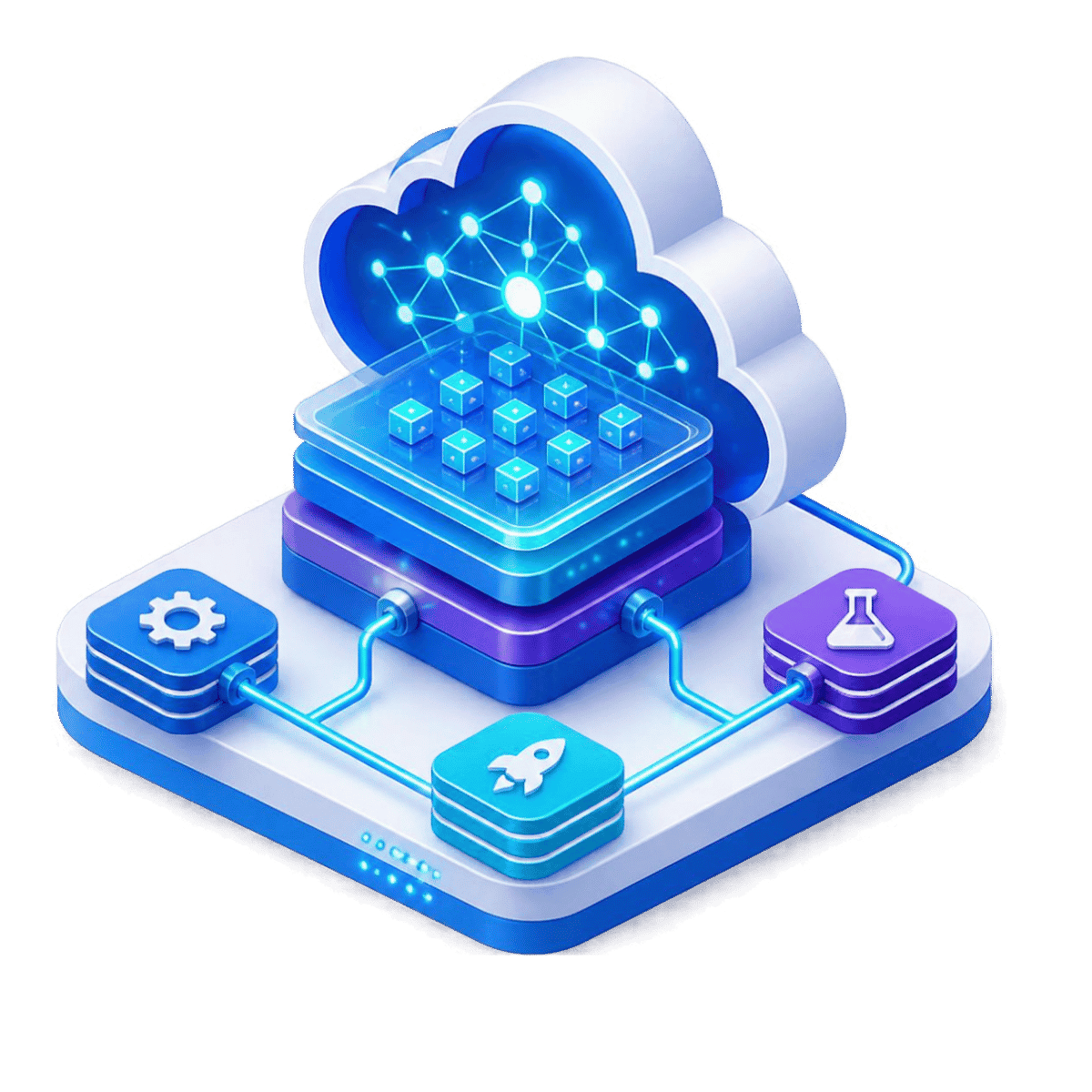
AI Workload Environment

AI Workload Environment

Extend existing landing zone guardrails into development, test, and production environments for AI applications and ttagents.
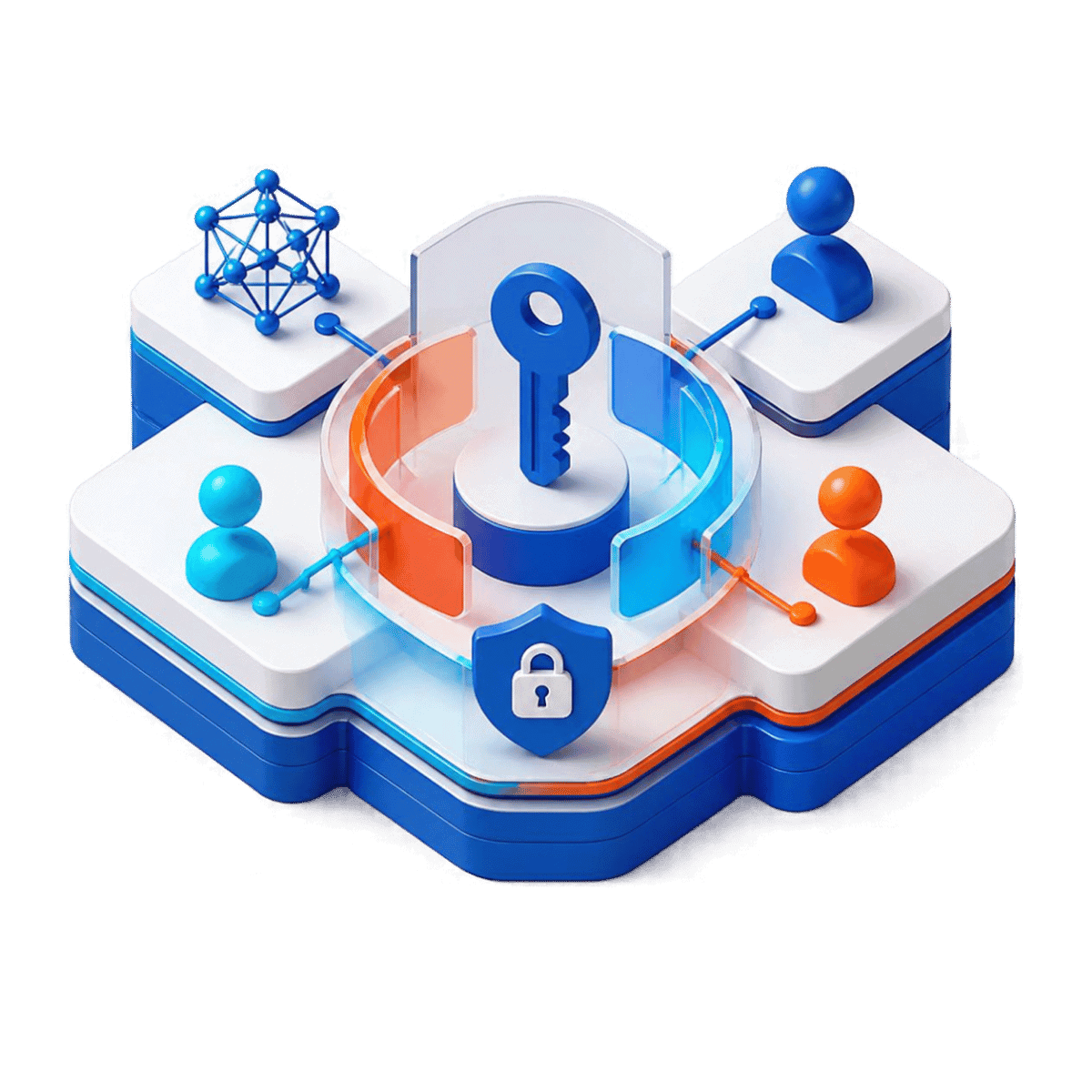
Workload Identity

Workload Identity

Use managed identity, Microsoft Entra workload identity, service principals, or delegated user identity based on how the application operates.
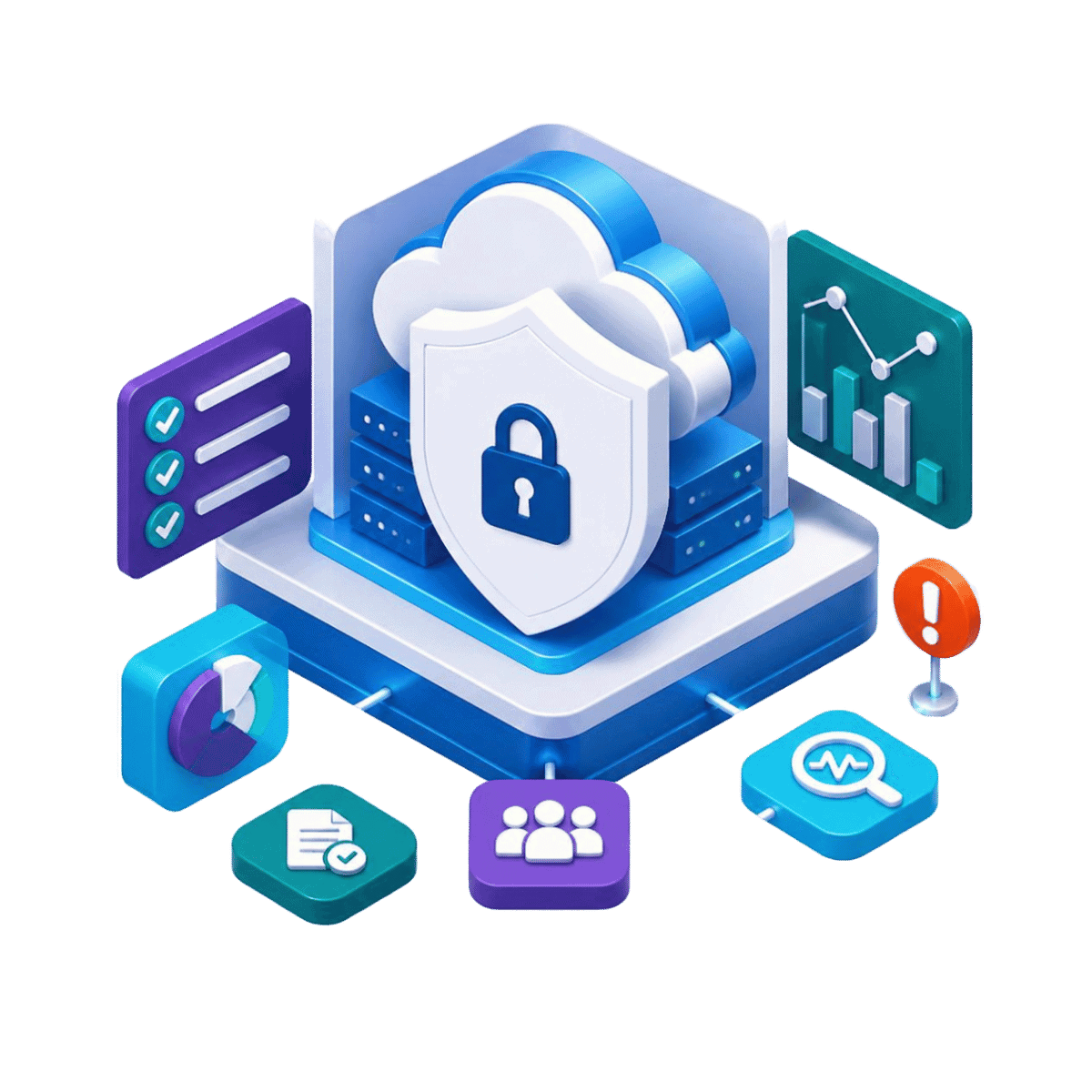
Permission Boundaries

Permission Boundaries

Control access across Azure and Microsoft services using least-privilege design, Microsoft Graph permissions, and Exchange Application RBAC where relevant.
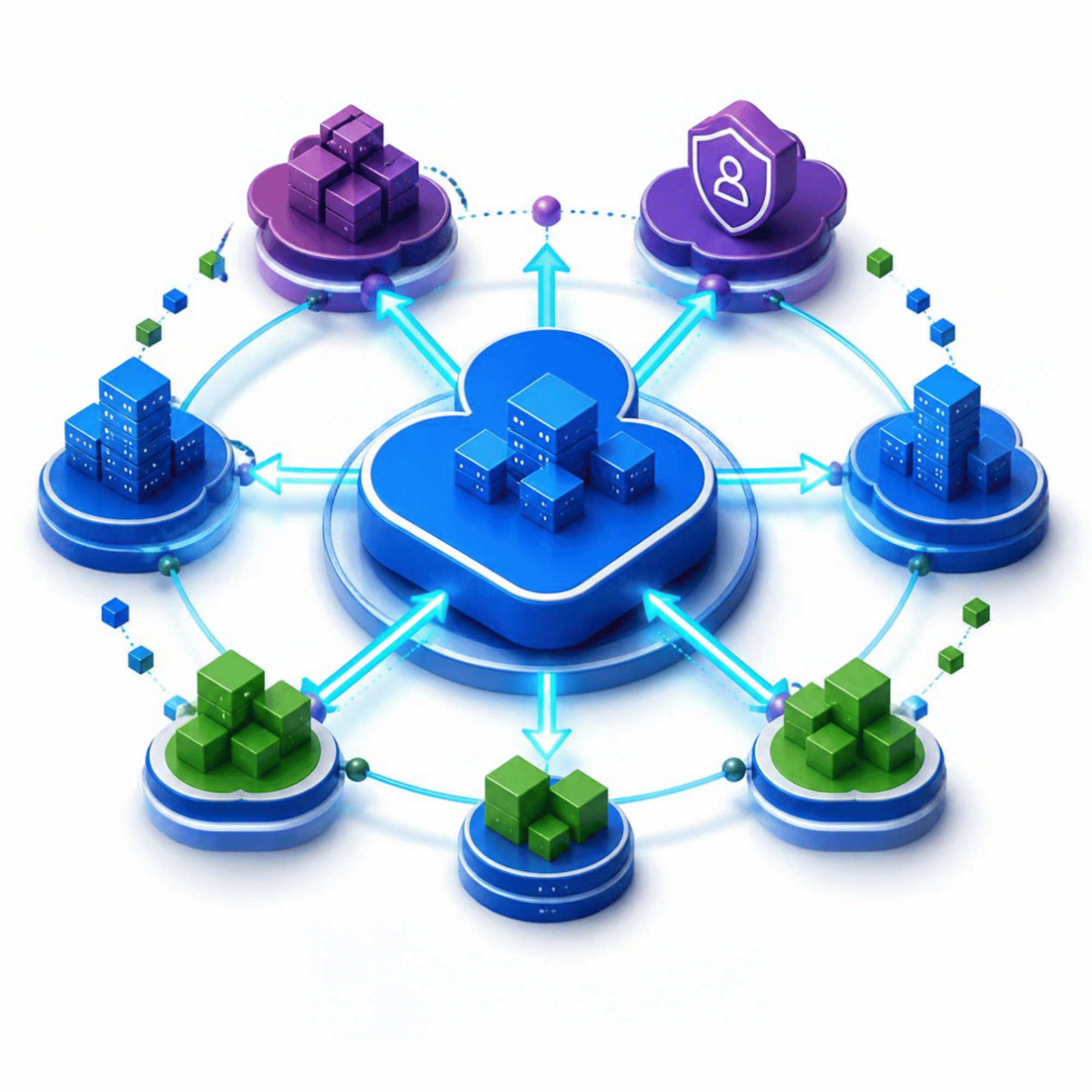
Security, Governance & Monitoring

Security, Governance & Monitoring

Apply the same network, security, policy, logging, and monitoring standards to AI workloads as they move into production.
Built With Your Team. Designed for Your Team to Own.

A landing zone should not become something only the implementation partner understands. Horizons can work alongside your internal cloud, infrastructure, and security teams so the environment is documented, repeatable, and ready for ongoing internal ownership. 

  • Architecture documentation 
  • Infrastructure as Code 
  • Network diagrams 
  • Identity and access design 
  • Policy documentation 
  • Configuration guidance 
  • Operational documentation 
  • Knowledge transfer 

From Current State to Documented Azure Foundation

The engagement is structured around practical architecture decisions, implementation, validation, and handoff. 

01
ASSESS

Review current Azure, workloads, identity, networking, security, governance, and standards.

02
DESIGN

Define subscriptions, identity, networking, security, policy, monitoring, and ownership.

03
IMPLEMENT​

Build the agreed foundation and Infrastructure as Code components.

04
VALIDATE

Build the agreed foundation and Infrastructure as Code components.

05
DOCUMENT

Provide documentation, IaC, architecture details, and knowledge transfer.

When an Azure Landing Zone Engagement
Makes Sense

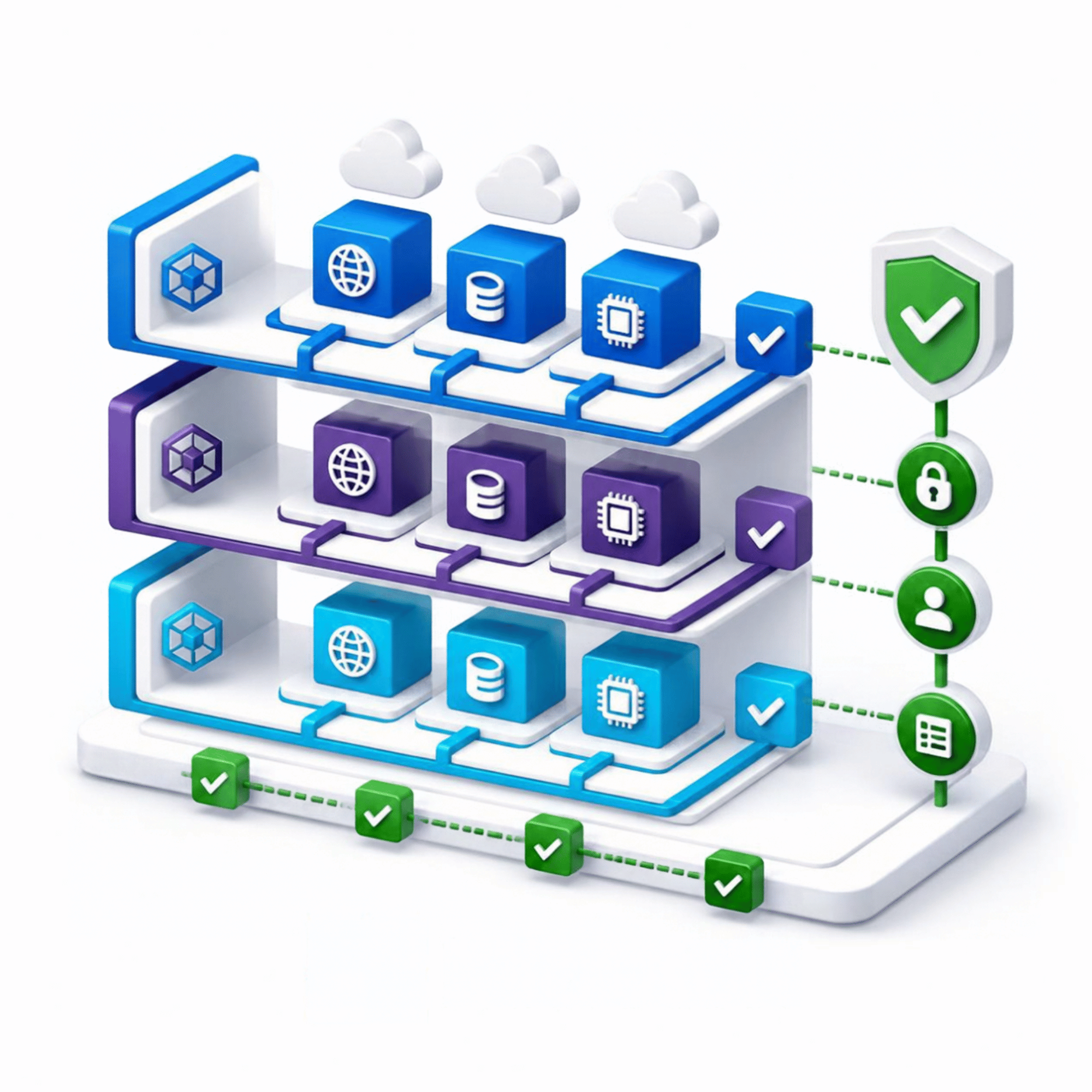
Your Azure Footprint Is Expanding

Your Azure Footprint Is Expanding

More workloads, subscriptions, or teams are increasing the need for consistent governance.
You Need to Standardize Azure

You Need to Standardize Azure

The environment already exists, but architecture, access, networking, or security practices vary.
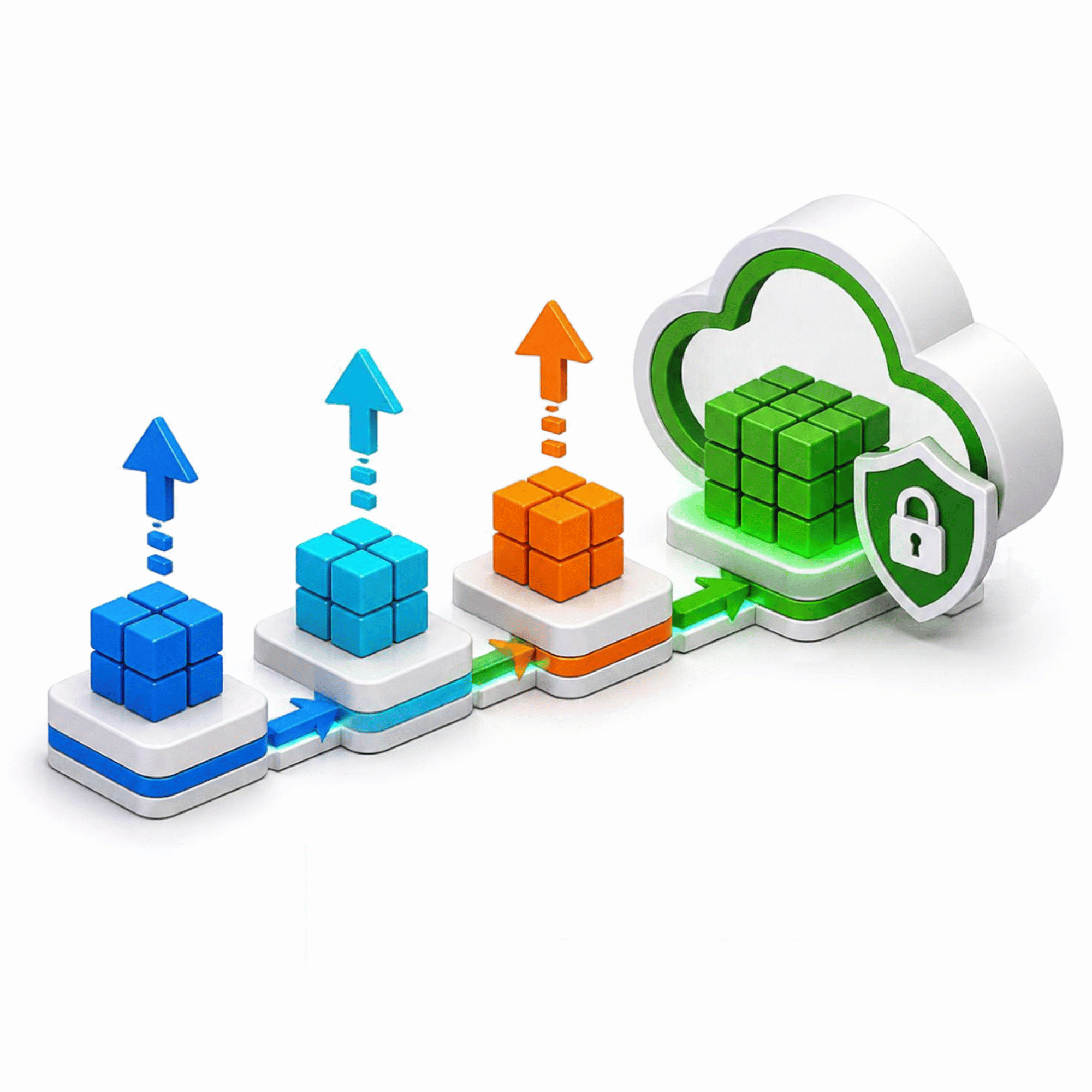
New Workloads Are Moving to Production

New Workloads Are Moving to Production

Your teams need repeatable controls before more applications and data platforms go live.
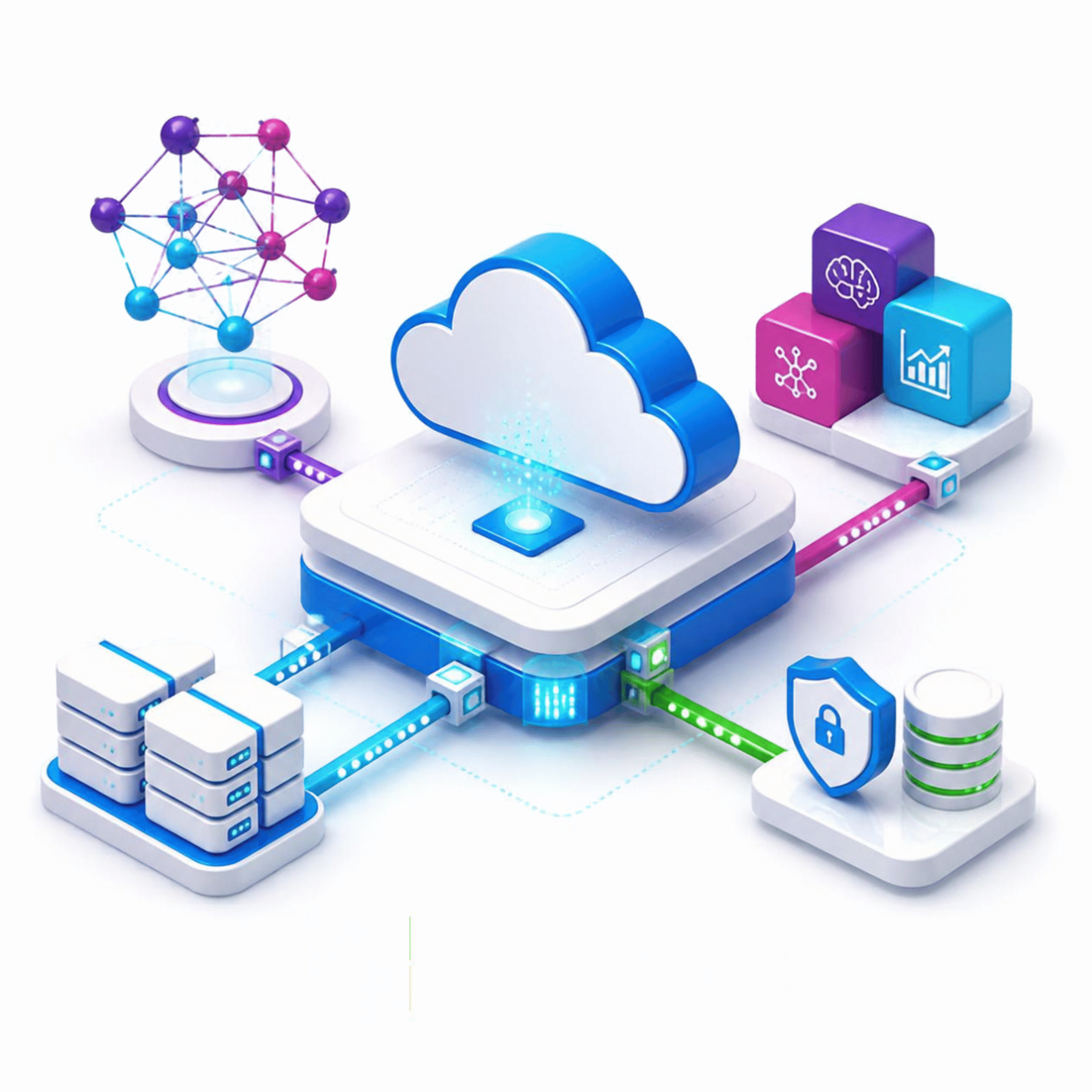
You Are Preparing Azure for AI

You Are Preparing Azure for AI

AI applications or agents are introducing new identity, access, networking, and governance requirements.
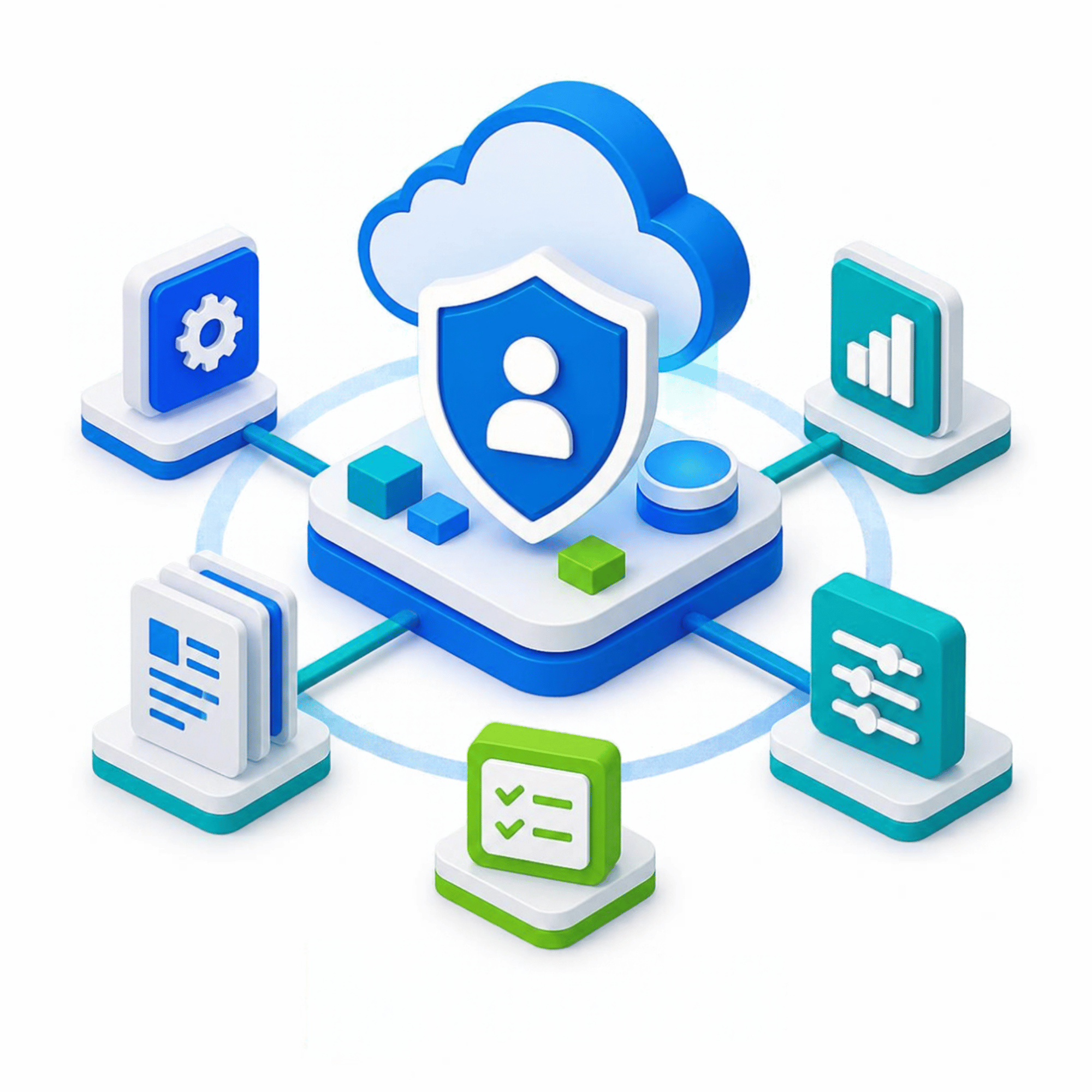
You Want Internal Ownership

You Want Internal Ownership

Your team needs outside Azure expertise while keeping day-to-day operations in-house.
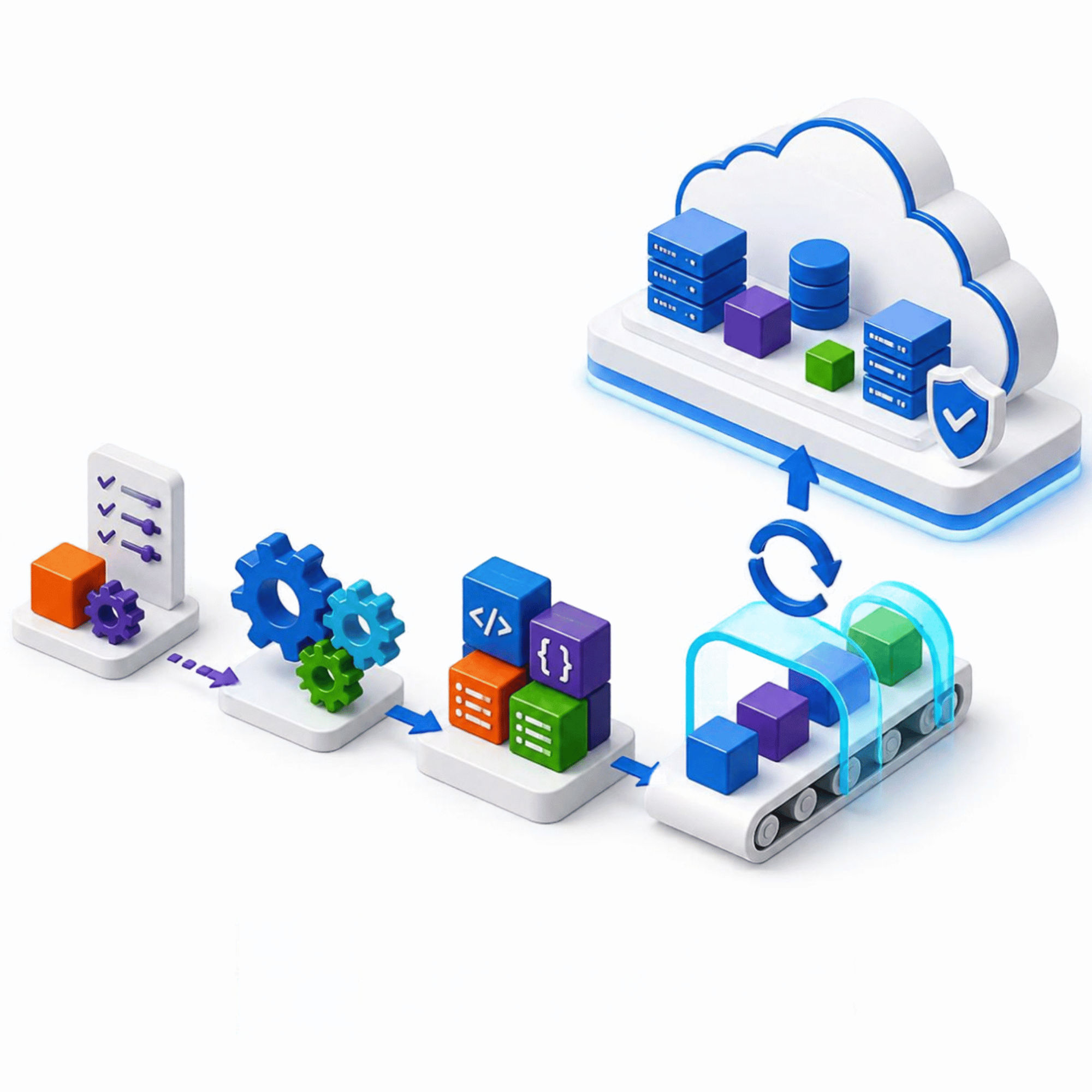
Manual Deployment Is Slowing Teams Down

Manual Deployment Is Slowing Teams Down

You need repeatable infrastructure patterns and better control over platform changes.
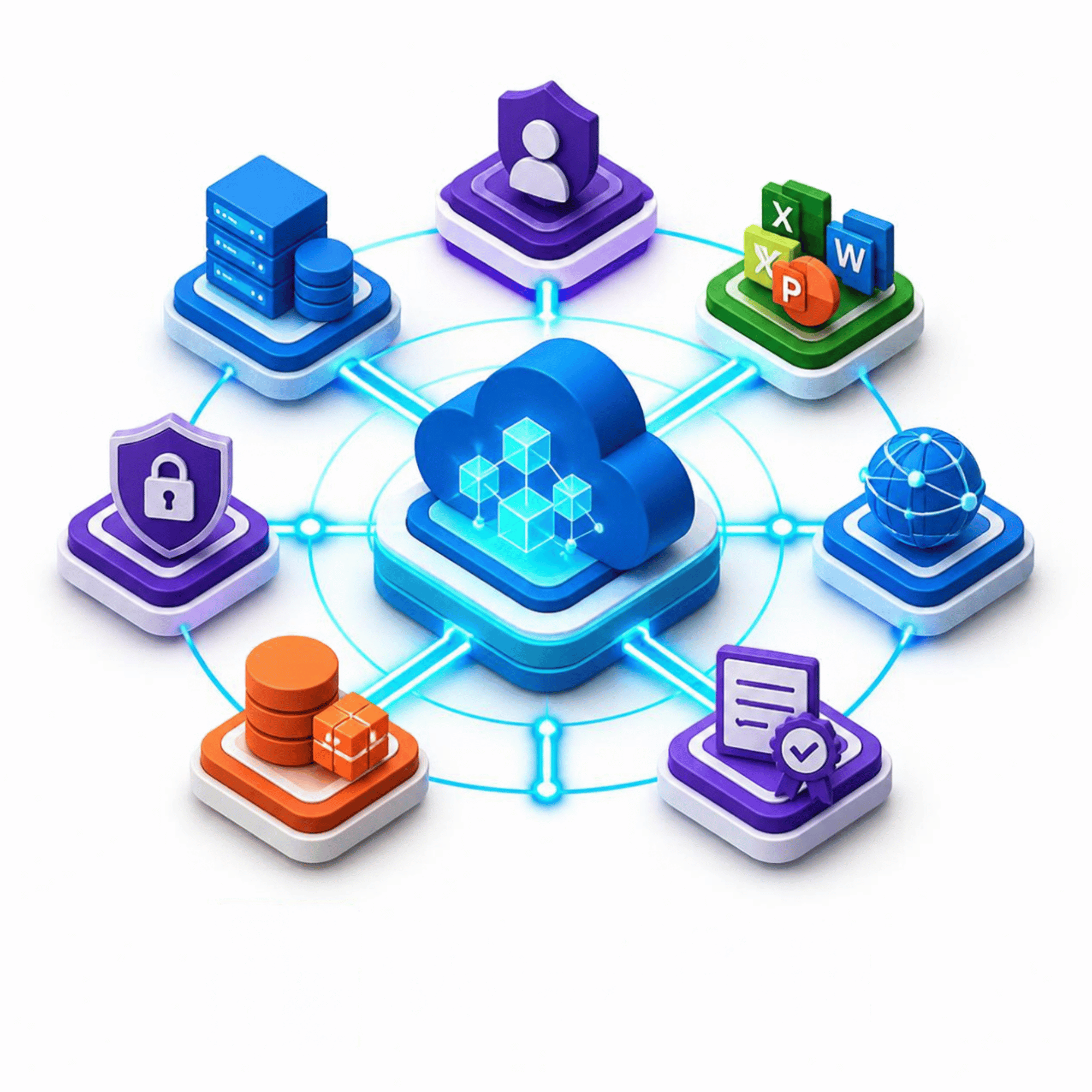
Microsoft-Focused Architecture,
Built Around Your Environment

Microsoft-Focused Expertise

Microsoft-Focused Expertise

Azure, Microsoft Entra ID, Microsoft 365, networking, identity, security, and governance considered together.
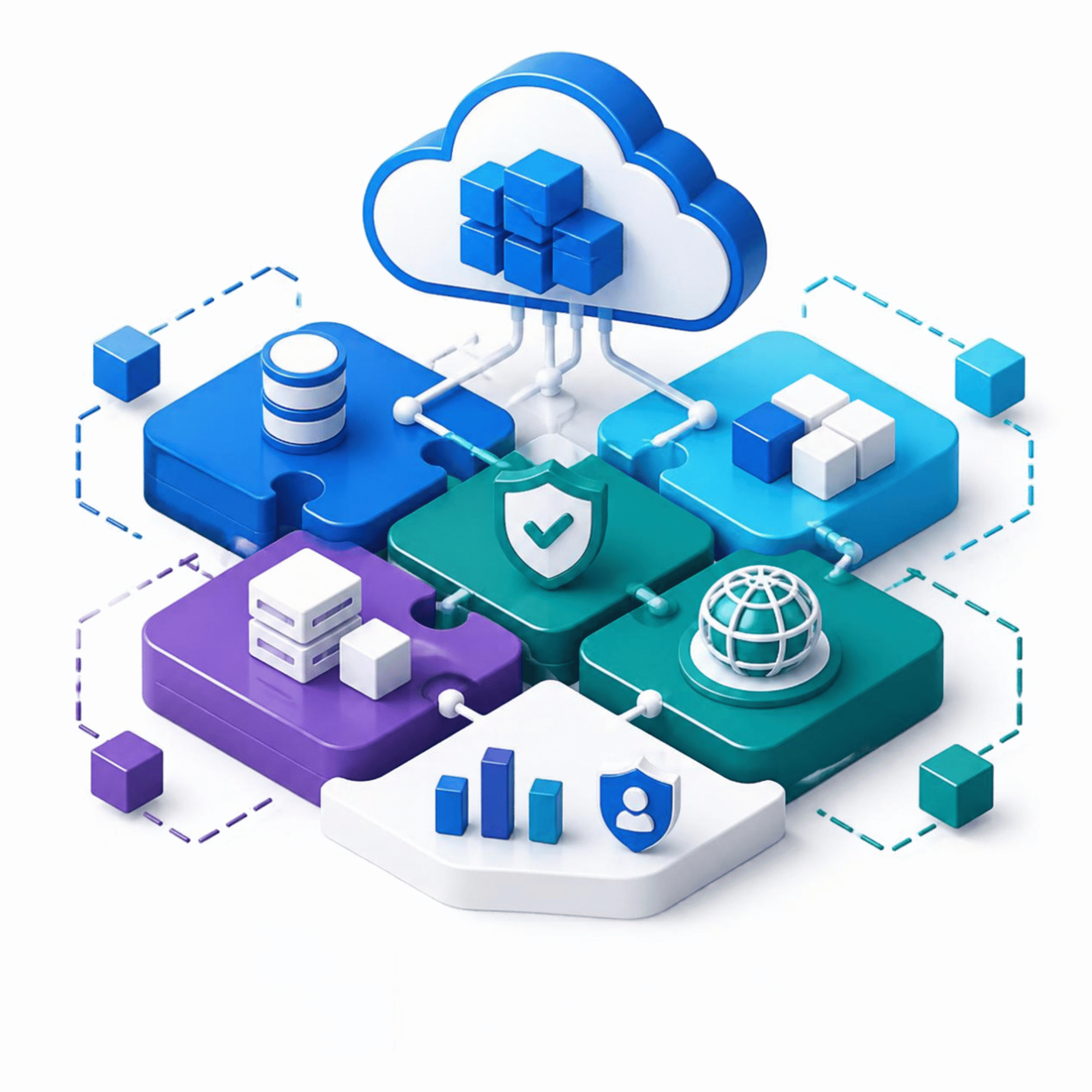
Architecture That Fits

Architecture That Fits

Landing zone design based on your workloads, security needs, and operating model - not a one-size template.
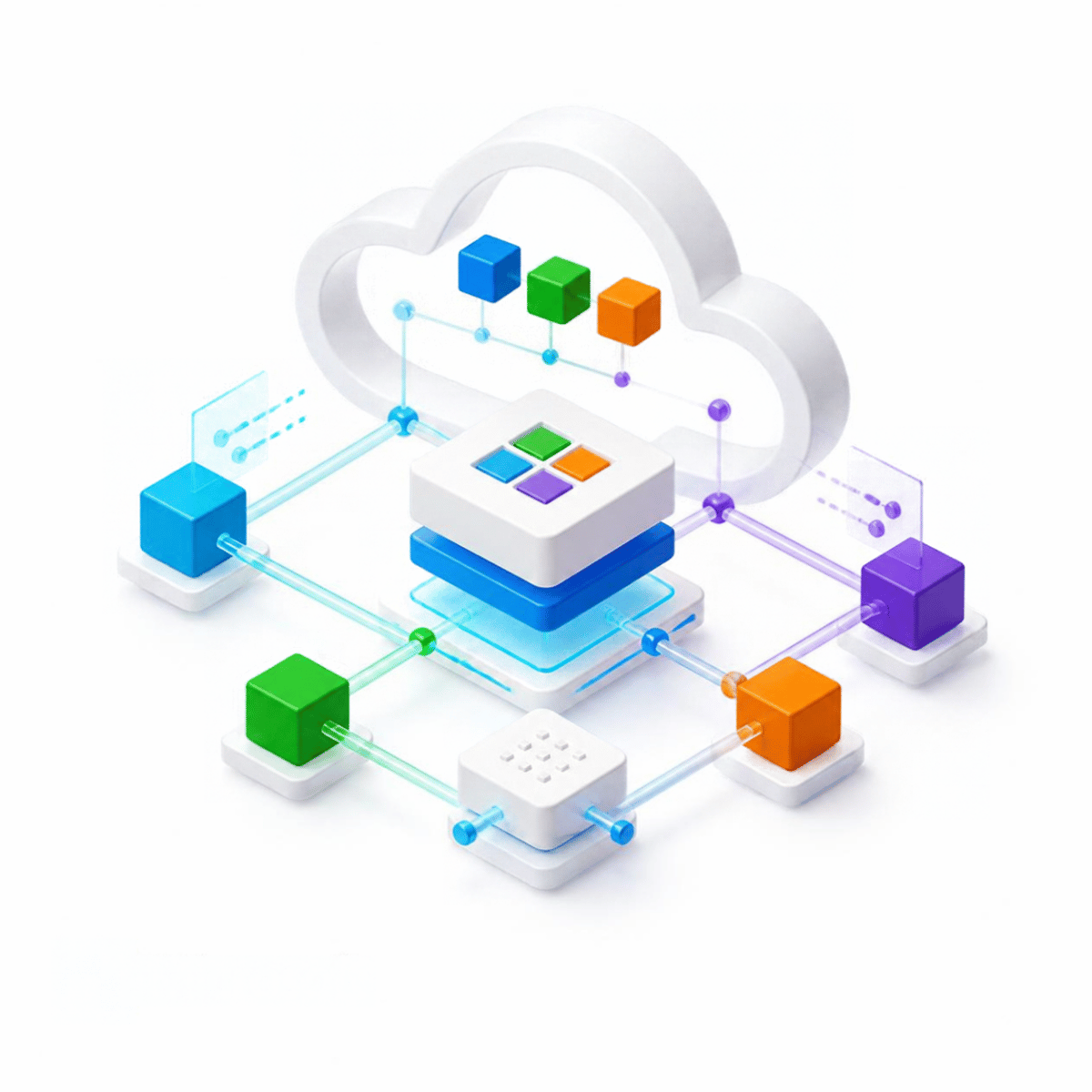
Build Alongside Your Team

Build Alongside Your Team

Work directly with internal IT, cloud, and security teams through design, implementation, validation, and handoff.
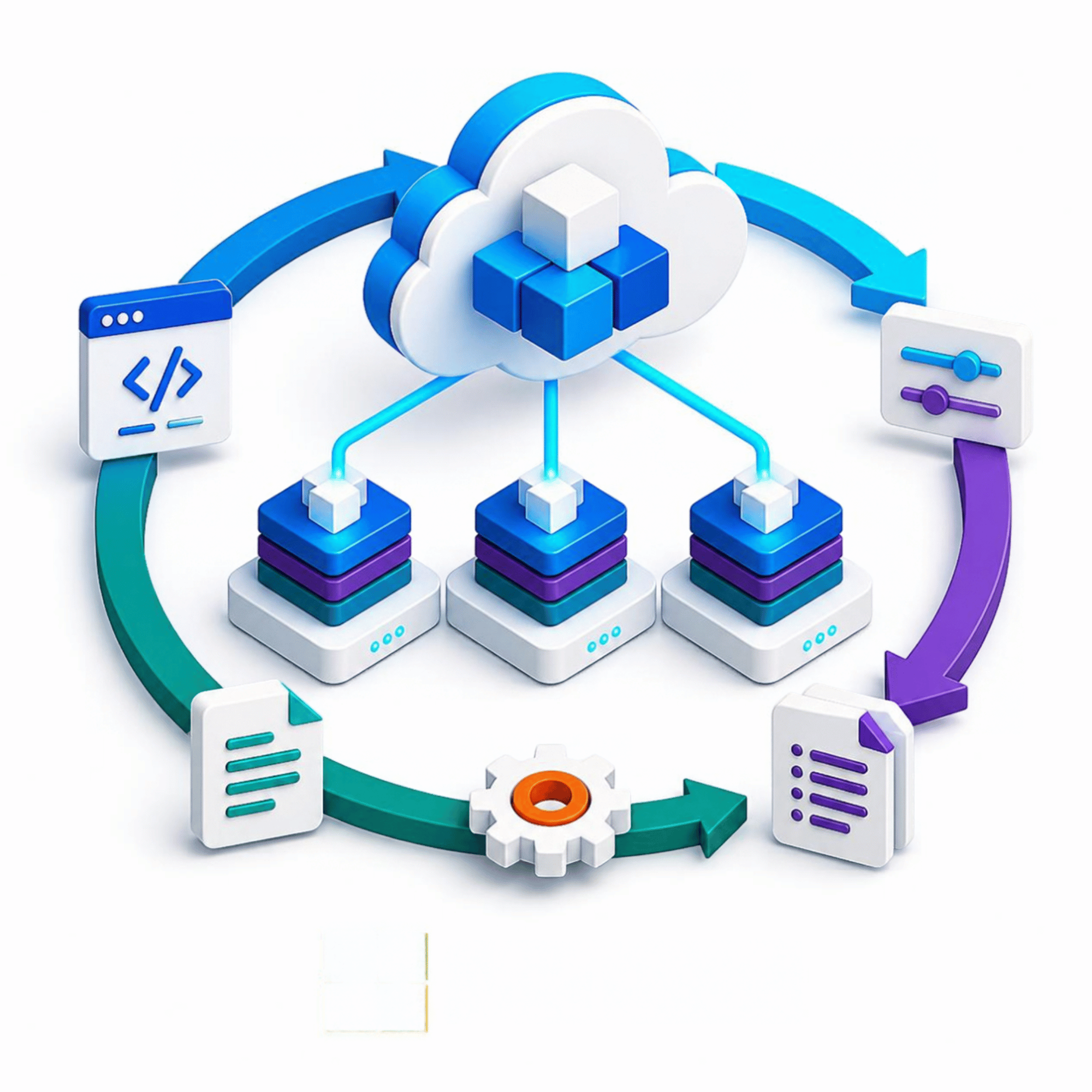
Repeatable Infrastructure

Repeatable Infrastructure

Infrastructure as Code and documentation help make the environment easier to review, update, and maintain.

Build the Azure Foundation for What Comes Next.

Whether you are expanding Azure, standardizing cloud governance, or preparing infrastructure for production AI, Horizons can help establish the foundation your workloads need.