Microsoft Cloud, Security & AI Insights
Clear answers to common questions about Azure, Microsoft 365, cloud security, Copilot readiness, identity, endpoint management, and enterprise IT modernization.
What are the best practices for or AI governance in Microsoft 365?
AI governance in Microsoft 365 starts with one simple question: What information can people access today?
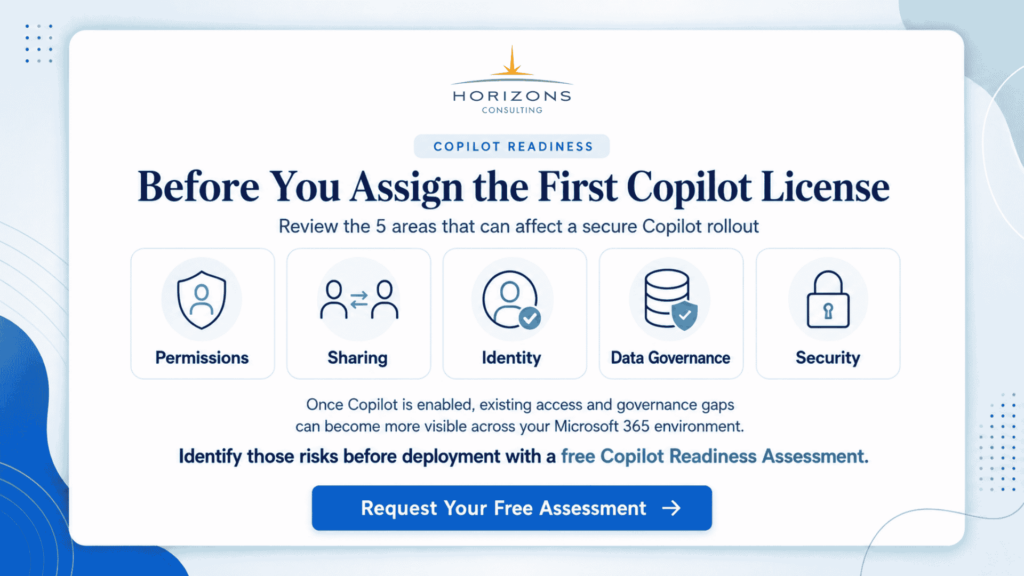
Before enabling tools like Microsoft 365 Copilot at scale, organizations need to make sure their data, permissions, security policies, and user rules are already in good shape.
A good starting point is identity and access control. Every business should review MFA, Conditional Access, guest users, admin accounts, and old user accounts. If people have more access than they need, AI can make that problem more visible.
The next step is to review SharePoint, OneDrive, Teams, and Microsoft 365 Groups. Many enterprises have years of files, open sharing links, inactive Teams, and folders that are available to too many people. Copilot works within existing permissions, so cleaning up access is an important part of AI governance.
Microsoft Purview also plays an important role. Sensitivity labels, data loss prevention policies, retention rules, audit logs, and insider risk controls help protect confidential data and reduce accidental exposure.
Organizations should also create a simple internal AI usage policy. Employees should know what data they can use with AI, what should not be entered, how AI-generated content should be checked, and when human review is required.
AI governance should not be treated as a one-time setup. IT, security, compliance, and business teams should regularly review usage, permissions, risky activity, and policy gaps.
In short, the best practices for AI governance in Microsoft 365 are to secure identities, clean up data access, protect sensitive information, monitor AI usage, and give employees clear rules before scaling Copilot or other AI tools.